





Skip to content
View in the app

A better way to browse. Learn more.

Hindi Sahayata Community

A full-screen app on your home screen with push notifications, badges and more.

To install this app on iOS and iPadOS
  1. Tap the Share icon in Safari
  2. Scroll the menu and tap Add to Home Screen.
  3. Tap Add in the top-right corner.
To install this app on Android
  1. Tap the 3-dot menu (⋮) in the top-right corner of the browser.
  2. Tap Add to Home screen or Install app.
  3. Confirm by tapping Install.

Zhost v3 WHMCS Hosting Template 9.0.0

(0 reviews)

1 Screenshot

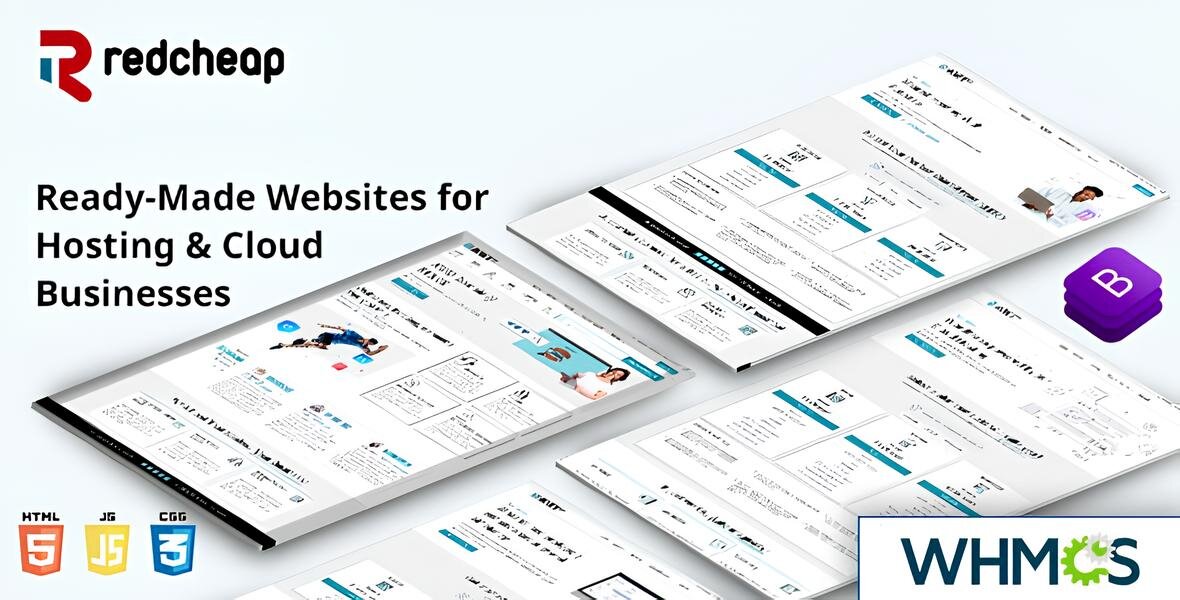
Zhost v3 WHMCS Domain Hosting Responsive Template with WHMCS. Designed with latest Bootstrap. Zhost v3 provides multipage Responsive HTML5 Domain and Hosting Template with WHMCS Theme. Minimalist Flat Design. Highly customizable code. Sections includes Features, Pricing, Domain Search, Contact etc..

Zhost v3 WHMCS Theme Feature

Zhost v3 WHMCS Template contains the following features:

  • WHMCS 9.0.1 Compatibility

  • Working Domain Search and Transfer Domain

  • Nice and attractive design

  • SEO Friendly Code

  • Clean Coded Design

  • User-Friendly interface

  • Flat Design

  • Fully Customizable

  • Google Fonts

  • Contact Form

  • FontAwesome Icons

  • Retina Ready

  • Responsive Layout

  • Free Lifetime Updates

  • Well Documented

  • Clean and Simple Style

  • And much More!

User Feedback

Create an account or sign in to leave a review

There are no reviews to display.

Account

Navigation

Search

Search

Configure browser push notifications

Chrome (Android)
  1. Tap the lock icon next to the address bar.
  2. Tap Permissions → Notifications.
  3. Adjust your preference.
Chrome (Desktop)
  1. Click the padlock icon in the address bar.
  2. Select Site settings.
  3. Find Notifications and adjust your preference.