





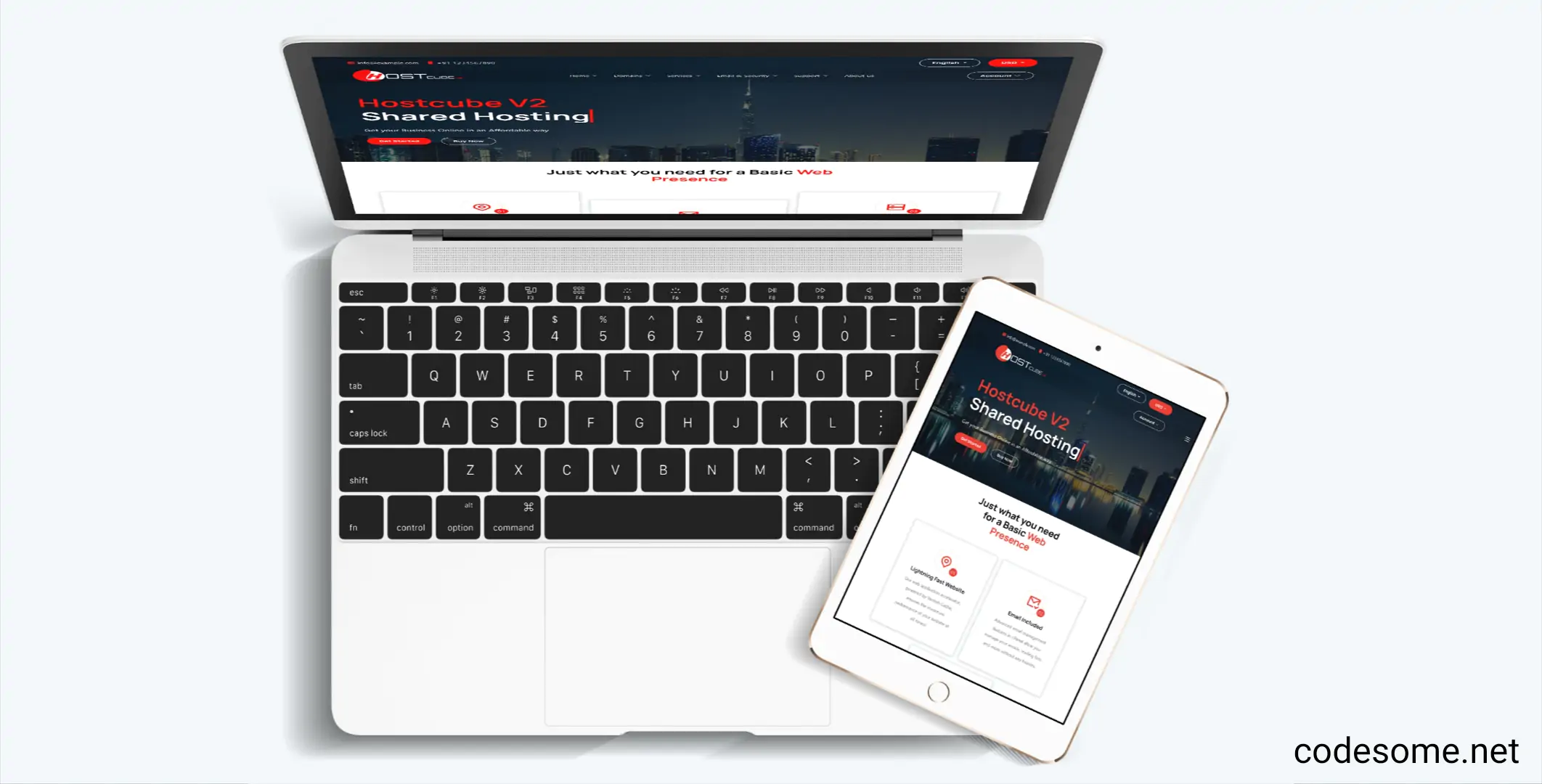
HostCube v2 WHMCS Child Theme is a specialized theme designed for the WHMCS platform, which is widely used for web hosting management. A "child theme" in this context refers to a customized version of a parent theme that inherits features and styles while allowing for modifications without altering the original code.
Specifically, the HostCube v2 WHMCS Child Theme provides a tailored, visually appealing, and user-friendly interface for hosting providers to showcase their services, manage branding, and enhance user experience. It typically includes custom layouts, styles, and functionalities that align with the HostCube design and branding guidelines.
Features of HostCube v2 WHMCS Child Theme
Features of HostCube v2 WHMCS Child Theme typically include enhancements and customizations designed to improve the appearance and functionality of WHMCS-based websites. While specific features may vary depending on the developer, common features of the HostCube v2 WHMCS Child Theme are:
Modern & Responsive Design : Adaptable layout that works seamlessly across desktops, tablets, and smartphones.
Customizable Layouts : Multiple layout options and flexible sections to tailor the look and feel.Enhanced User Interface : Improved UI elements for a more engaging user experience.
Optimized Performance : Faster loading times and optimized code for better performance.
Compatibility : Works smoothly with WHMCS latest versions and popular plugins.
Unique Styling : Custom styles for headers, footers, forms, and other elements to match branding.
Easy Customization : Simple options for colors, fonts, and layouts without coding.
Child Theme Structure : Preserves customizations when updating the parent theme, ensuring stability.
Additional Widgets & Sections : Extra sections for banners, testimonials, pricing tables, etc.
SEO Friendly : Optimized for search engines to improve visibility.
Create an account or sign in to leave a review
There are no reviews to display.