





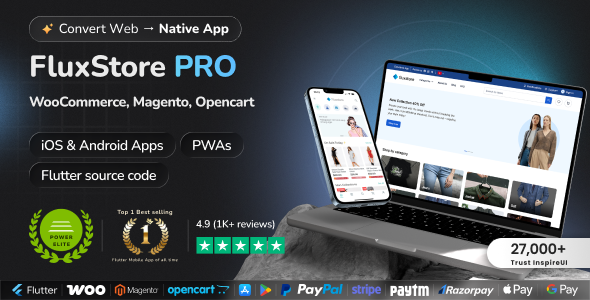
FluxStore Pro is a commercial Flutter-based mobile app template/framework created by InspireUI that lets you turn an existing e-commerce website into a native Android and iOS app. It works with popular platforms such as WooCommerce, Magento, and OpenCart by connecting the app to your store's backend APIs.
Fluxstore Pro - Flutter E-commerce Full App is a comprehensive mobile application template designed for building e-commerce apps using Flutter. It supports multiple backend platforms, including Magento, OpenCart, and WooCommerce.
FluxStore Pro Flutter Mobile App Features
Cross-Platform Compatibility : Built with Flutter, enabling deployment on both iOS and Android devices.
Multi-Backend Support : Compatible with Magento, OpenCart, and WooCommerce, providing flexibility to choose your preferred platform.
User-Friendly Interface : Modern, clean, and customizable UI/UX designed for a seamless shopping experience.
Product Management : Categories, product details, search, filters, and sorting options.
Shopping Cart & Checkout : Add to cart, view cart, apply coupons, and secure checkout process.
User Account Management : User registration, login, profile management, order history, and address management.
Payment Integration : Supports multiple payment gateways such as PayPal, Stripe, Razorpay, etc.
Push Notifications : Real-time updates about orders, promotions, and offers.
Multi-Language & RTL Support : Localization features, including right-to-left language support.
Loyalty & Rewards : Points and rewards system for customer retention.
Social Login : Login via social media platforms like Facebook, Google, etc.
Multi-Currency : Support for multiple currencies for international shoppers.
Admin Panel : Backend management for products, orders, users, and content.
Performance Optimization : Fast loading times with optimized code and architecture.
Customization & Extensibility : Highly customizable to tailor the app to specific needs.
Offline Mode : Some features available offline for better user experience.
Sample Data : Comes with demo data to help users get started quickly.
Documentation & Support : Detailed documentation and customer support options.
Create an account or sign in to leave a review
There are no reviews to display.