





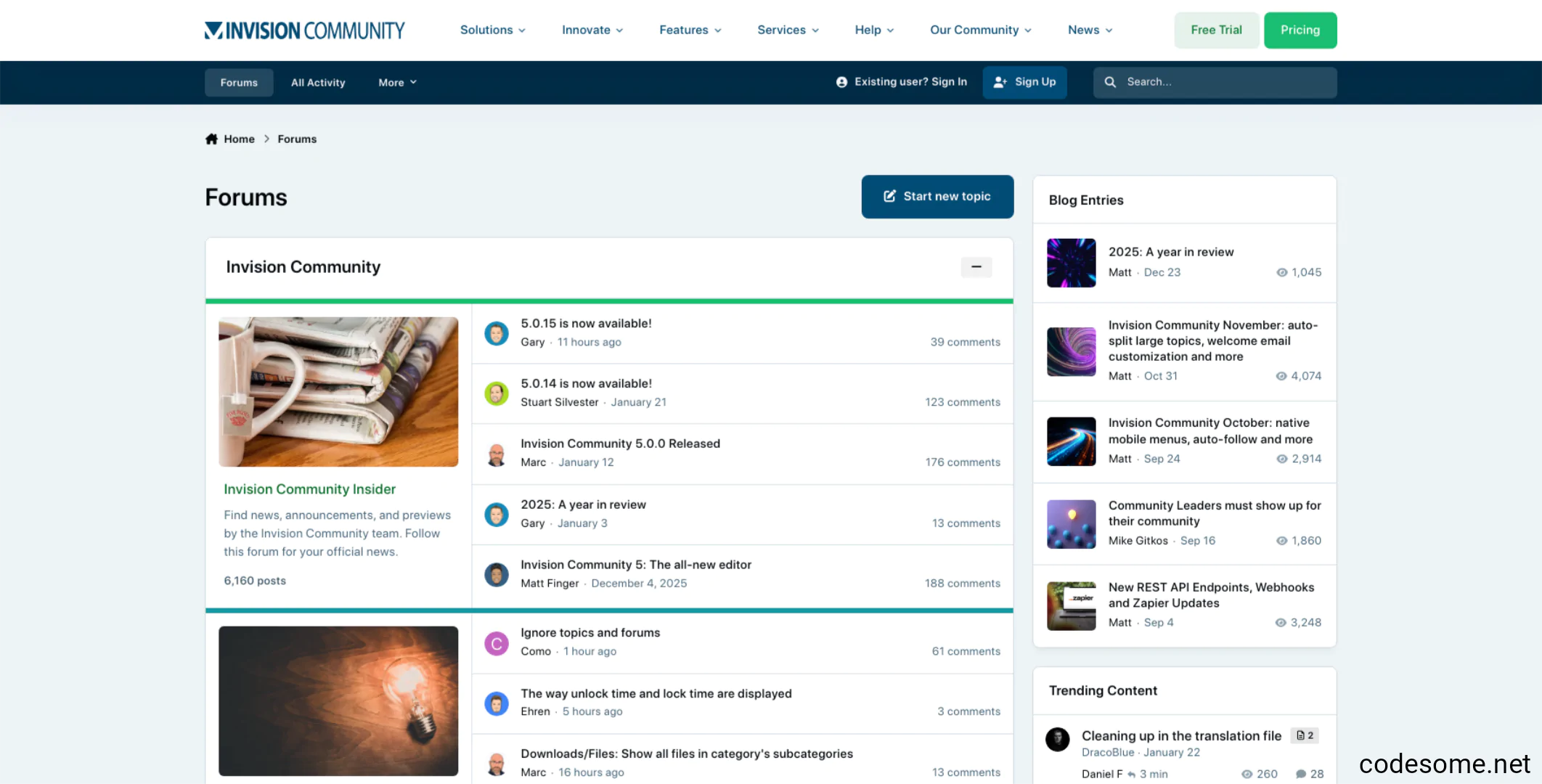
Invision Community Suite is a comprehensive, integrated platform designed for creating and managing online communities, forums, and social networks. It offers a range of tools and features such as discussion forums, content management, user profiles, private messaging, e-commerce capabilities, and social engagement features. The suite is typically used by organizations, businesses, and hobbyist groups to build interactive websites where members can communicate, share content, and collaborate. It is known for its flexibility, customization options, and robust moderation tools, making it a popular choice for creating vibrant online communities.
Invision Community Suite is a comprehensive software platform designed for building and managing online communities, forums, and social networks. It provides a range of tools to facilitate user engagement, content sharing, and community management.
Features of Invision Community Suite
Forums and Discussions : Create and manage discussion boards and threaded conversations.
Content Management : Publish articles, blogs, and pages with rich media support.
Member Management : User registration, profiles, groups, and permissions.
Private Messaging : Enable private conversations between members.
Reputation and Badges : Gamify the community with reputation points, badges, and awards.
Commerce and Subscriptions : Sell digital products, memberships, or subscriptions directly within the community.
Events Calendar : Schedule and promote community events.
Polls and Surveys : Gather feedback and opinions from members.
Customizable Themes and Layouts : Personalize the look and feel of your community.
Integration and Plugins : Extend functionality with various plugins, integrations, and apps.
Moderation Tools : Robust tools for managing content, users, and enforcing community rules.
Analytics and Reports : Track activity, engagement, and community growth.
Mobile Compatibility : Responsive design for access on smartphones and tablets.
What's New in Version 5.0.17
Released
No changelog available for this version.
Create an account or sign in to leave a review
There are no reviews to display.