





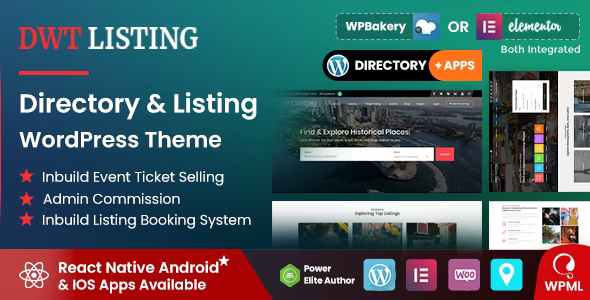
DWT - Directory & Listing WordPress Theme is a specialized WordPress theme designed for creating directory and listing websites. These websites typically showcase and organize various types of listings such as businesses, services, real estate, events, or other categorized listings. DWT Listing is a WordPress Theme that gives you complete freedom to create any type of directory or listing website. Design your pages on the front end and witness your work instantly come to life. No Paid Plugins are Needed, Everything is Inside. Absolutely no coding is required.
DWT WordPress Theme Features
Inbuild reservation system.
Event Tickets selling, booking system
ACF Compatible (Only for Event CPT)
Commission system
Wallet Added
Powerful theme options.
Contact Form 7.
Listing Reviews.
Bookmark Listings.
Listing Ratings.
Shortcode Ready
Custom shortcodes included.
Integrated with Google Maps.
Background Images Parallax
Owl Carousel
Instant search on the header.
Bootstrap
Fully Responsive
Breadcrumbs bar (section).
Customized Dashboard page for front-end users.
Shop Integrated.
Fully integrated with WooCommerce.
User Sign In/Register functionality included.
Single Click Demo Import.
Integrated with Contact Form 7.
Contact Form widget included.
Latest Blog Posts widget included.
Back to top option.
Translation ready (Does not support multi-language).
Clean and well-structured code.
Create an account or sign in to leave a review
There are no reviews to display.