





Skip to content
View in the app

A better way to browse. Learn more.

Hindi Sahayata Community

A full-screen app on your home screen with push notifications, badges and more.

To install this app on iOS and iPadOS
  1. Tap the Share icon in Safari
  2. Scroll the menu and tap Add to Home Screen.
  3. Tap Add in the top-right corner.
To install this app on Android
  1. Tap the 3-dot menu (⋮) in the top-right corner of the browser.
  2. Tap Add to Home screen or Install app.
  3. Confirm by tapping Install.

Brizy Pro - WordPress Builder Plugin 2.8.5

(0 reviews)

1 Screenshot

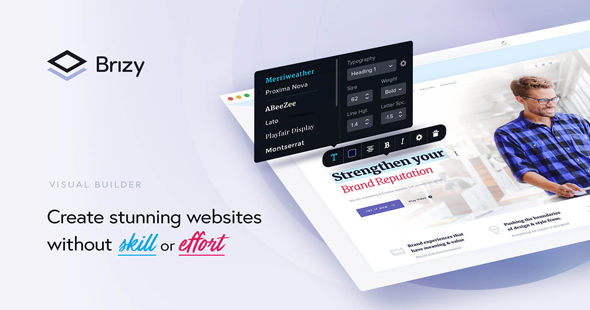
Brizy Pro is a version of the Brizy WordPress page builder plugin, designed to help users create and customize websites easily through a drag-and-drop interface. As a Pro version, it typically offers advanced features such as additional design elements, templates, global styling options, and integrations that are not available in the free version.

Brizy Pro Plugin Features

  • Visual drag-and-drop editing

  • Pre-designed templates and blocks

  • Custom styling and global design controls

  • Popup and form builder functionalities

  • WooCommerce integration for e-commerce sites

  • Role manager and access controls

  • Compatibility with various themes and plugins

User Feedback

Create an account or sign in to leave a review

There are no reviews to display.

Account

Navigation

Search

Search

Configure browser push notifications

Chrome (Android)
  1. Tap the lock icon next to the address bar.
  2. Tap Permissions → Notifications.
  3. Adjust your preference.
Chrome (Desktop)
  1. Click the padlock icon in the address bar.
  2. Select Site settings.
  3. Find Notifications and adjust your preference.