





Skip to content
View in the app

A better way to browse. Learn more.

Hindi Sahayata Community

A full-screen app on your home screen with push notifications, badges and more.

To install this app on iOS and iPadOS
  1. Tap the Share icon in Safari
  2. Scroll the menu and tap Add to Home Screen.
  3. Tap Add in the top-right corner.
To install this app on Android
  1. Tap the 3-dot menu (⋮) in the top-right corner of the browser.
  2. Tap Add to Home screen or Install app.
  3. Confirm by tapping Install.

H-Code Responsive & Multipurpose WordPress Theme 3.7

(0 reviews)

1 Screenshot

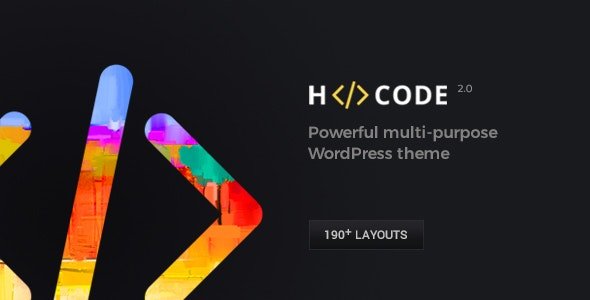
H-Code is a best-selling, premium multi-purpose WordPress theme developed by ThemeZaa. It is designed to help you build almost any kind of website, from a simple blog or business site to a complex online store, without needing to write a single line of code . Think of it as an all-in-one design toolkit that provides a massive library of ready-made website templates, a drag-and-drop builder, and advanced customization options.

H-Code Theme WordPress Features

  • Drag-and-Drop Page Builder

  • One-Click Demo Importer

  • Advanced Customization Panel

  • E-commerce Ready

  • Premium Sliders Included

  • SEO & Performance Optimized

  • Design & User Experience

  • The theme files and all future updates (lifetime).

  • The bundled premium plugins

  • Six months of support from the ThemeZaa team, which can be extended for an additional fee .

  • Learning Curve

  • Plugin Dependency

User Feedback

Create an account or sign in to leave a review

There are no reviews to display.

Account

Navigation

Search

Search

Configure browser push notifications

Chrome (Android)
  1. Tap the lock icon next to the address bar.
  2. Tap Permissions → Notifications.
  3. Adjust your preference.
Chrome (Desktop)
  1. Click the padlock icon in the address bar.
  2. Select Site settings.
  3. Find Notifications and adjust your preference.