





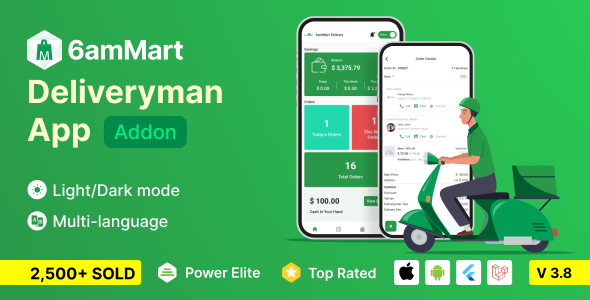
6amMart - Delivery Man Flutter Mobile App is a mobile application designed specifically for delivery personnel working with the 6amMart platform. Built using Flutter, this app enables delivery drivers to manage their deliveries efficiently on both Android and iOS devices. 6amMart delivery man app is the most important module of the 6amMart multi-vendor delivery system. Delivery men can accept and deliver orders using this app. Admin, stores, and users can view delivery man movement by helping this app.
The 6amMart Delivery Man App is the dedicated mobile application for delivery personnel within the 6amMart multi-vendor ecosystem. Built with Flutter, it enables delivery agents to accept orders, navigate routes, track earnings, and manage deliveries—all while allowing admins, stores, and customers to monitor delivery movement in real-time .
Features of the 6amMart Delivery Man App
Order Delivery Management
Manual Assignment Support
Earnings & Financial Features
Navigation Support
Delivery Status Updates
Real-Time Notifications
Earnings and History
User Authentication
Order Acceptance
Online/Offline Status Toggle
Order History
Multiple Order Handling
Earnings Overview
Detailed Earning Statements
Cash in Hand Tracking
Freelance vs. Salaried Support
Navigation & Location
GPS Geolocation Integration
Nearest Orders Display
Location-Based Order Requests
Live Movement Tracking
Notifications & Communication
Real-Time Notifications
Delivery Status Updates
Loyalty Points System
Refer & Earn Module
Detailed Earning Statements
Flutter 3.38.5 Compatibility
Order Request Received
Accept Order
Confirm (if COD)
Pick Up Deliver
Earnings Updated
Create an account or sign in to leave a review
There are no reviews to display.