





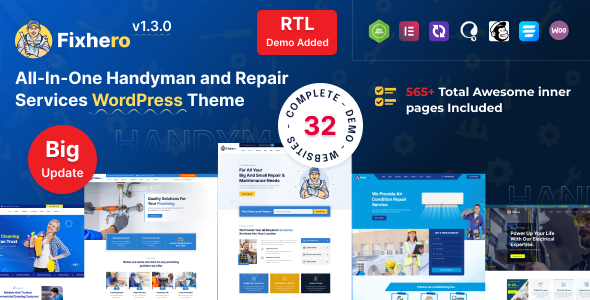
Fixhero – Your All-in-One Handyman Solution for Hassle-Free Repairs and Maintenance. Fixhero is a professionally crafted WordPress theme tailored for handyman and repair service businesses. It’s designed to showcase your services, highlight your expertise, and connect you with customers seeking reliable solutions for their home maintenance needs.
Fixhero - Handyman & Repair Services WordPress Theme is a specialized WordPress theme designed for businesses offering handyman, repair, maintenance, and home services. It provides a range of features tailored to service-based companies, enabling them to create professional and user-friendly websites.
Fixhero WordPress Theme Features
Responsive Design
Service Showcase
Appointment Booking
Team and Expertise Display
Testimonials and Reviews
Cost Calculator
Blog Section
32+ Creative Trendy Modern – Complete Demo Websites (16 Multipages +16 Onepages )
550+ Innerpages
230+ Elements
Child Theme Included
Blog & Single Post Page layout well designed
About Page Layouts
Contact Page Layout
Header – Footer Builder
All Google Fonts – Included
Custom Fonts Uploading Options
SEO Friendly
Bootstrap 5.x
Google Fonts
Remix Icon Used
Supports All Modern Browsers
Well Documentation Included
Color Option
One Click Demo Installer Included
Responsive Layout
Elementor Page Builder
Revolution Slider
Theme Update
Quick Support
Create an account or sign in to leave a review
There are no reviews to display.