





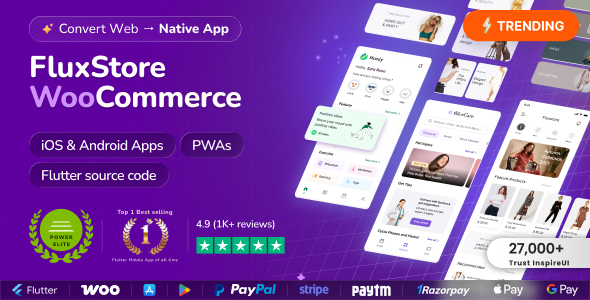
FluxStore is a universal e-commerce app inspired by the Flutter framework, made by Google. With the mission of reducing thousands of hours of business spent on designing, developing, and testing a mobile app, FluxStore comes as a complete solution for optimizing to deliver your app to the market with high productivity and cost-efficiency. It could be able to satisfy all of the business requirements, including e-commerce functionalities, impressive UX design, and smooth performance on both iOS and Android devices.
If your business has already had the website built based on the WooCommerce website, then it is easy to integrate with FluxStore in just a few steps, and quickly release the final app to both App Store and Google Play. The download package includes the full source code and many related resources (designs, documents, videos…) that help you install more smoothly.
Fluxstore WooCommerce - Flutter E-commerce Full App is a comprehensive mobile application template designed for online stores that use WooCommerce as their backend platform. Built with Flutter, a popular UI toolkit developed by Google, this app provides a ready-to-use, customizable solution for creating a mobile shopping experience for Android and iOS devices.
Features of Fluxstore WooCommerce App
Seamless integration with WooCommerce, enabling synchronization of products, categories, orders, and user data.
User-friendly interface with modern design elements.
Support for multiple payment gateways.
Features like product search, filters, reviews, and ratings.
Cart, checkout, and order tracking functionalities.
Support for push notifications and user account management.
Customization options to tailor the app to specific branding and functional needs.
Create an account or sign in to leave a review
There are no reviews to display.