





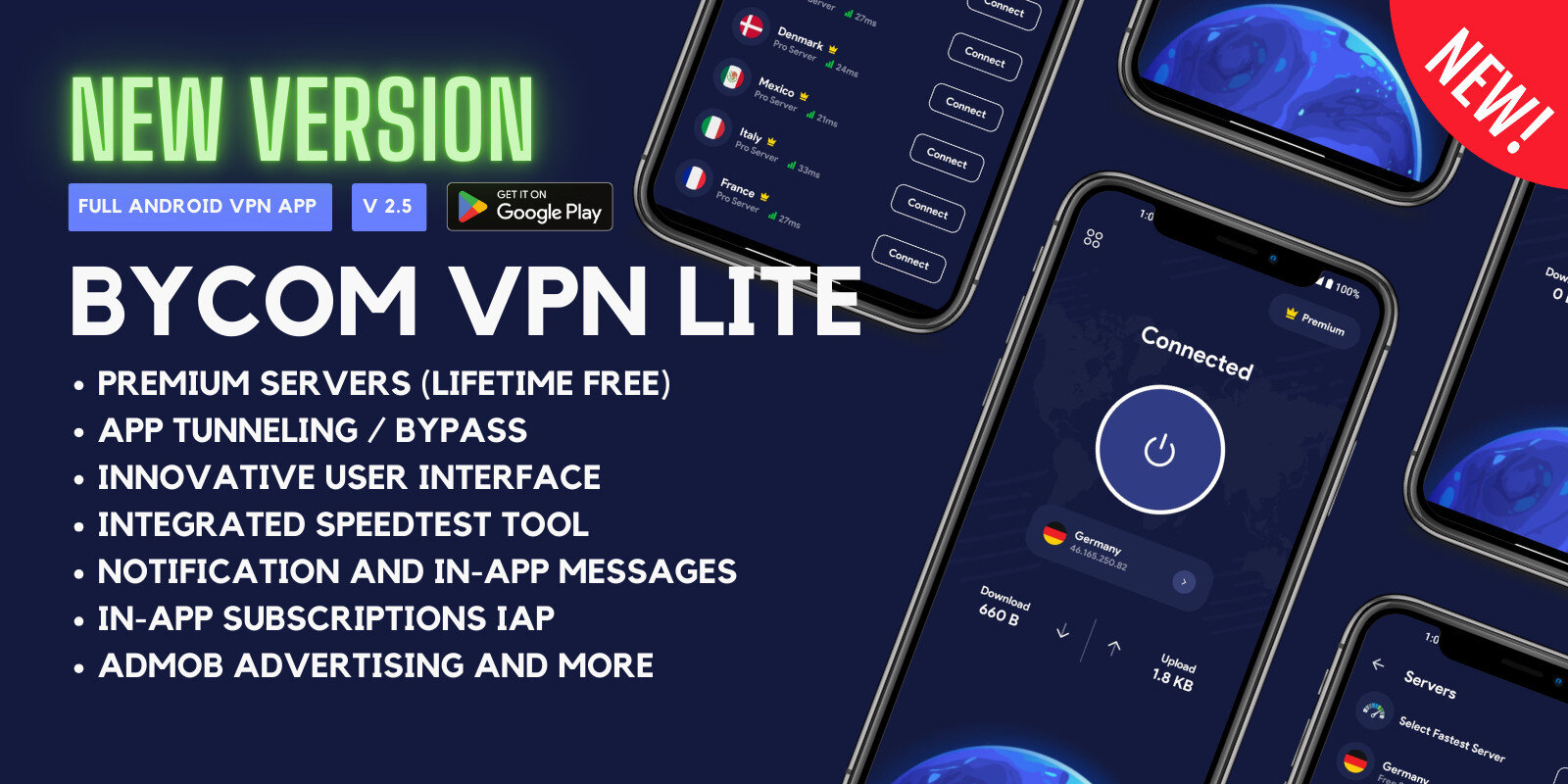
Bycom VPN Lite is an advanced Android application designed to provide users with a secure and private browsing experience. Its sleek and intuitive interface, built with Google's Material You (M3) design, ensures seamless navigation and user engagement.
Bycom VPN - Secure and Private Android VPN Features
Free VPN Servers: Access a variety of free servers to maintain anonymity and security online. Lifetime free! Zero Maintenance! 500MB/User/Day
Split Tunneling (App Filter): Customize which apps utilize the VPN connection, offering flexibility and control over your data.
Speed Test Tool: Evaluate your connection speed with integrated tools that test networks worldwide, ensuring optimal performance.
In-App Purchases (Subscriptions): Easily upgrade to premium features through convenient in-app subscription options.
Google AdMob Advertisements: Monetize your app seamlessly with integrated AdMob support.
OneSignal Integration: Engage users effectively with in-app messages and push notifications powered by OneSignal.
Quick Settings Tile: Utilize the QS Tile feature for swift connect and disconnect actions directly from the notification shade.
Privacy and GDPR Compliance: Ensure user data protection with full compliance to privacy standards and GDPR regulations.
Create an account or sign in to leave a review
There are no reviews to display.